

Browse services
Free planning resource · PineHills Billing Solutions
Website launch checklist
From content to handover.
Plan your business website, SEO, social media, AI videos and Meta ads with eight practical checks. Use this guide to agree the work, collect the right inputs and know what a complete handover should contain.
Published 10 September 2026 · No signup required
PineHills Digital Launch Combo
Your content.
Our craft.
A coordinated launch.
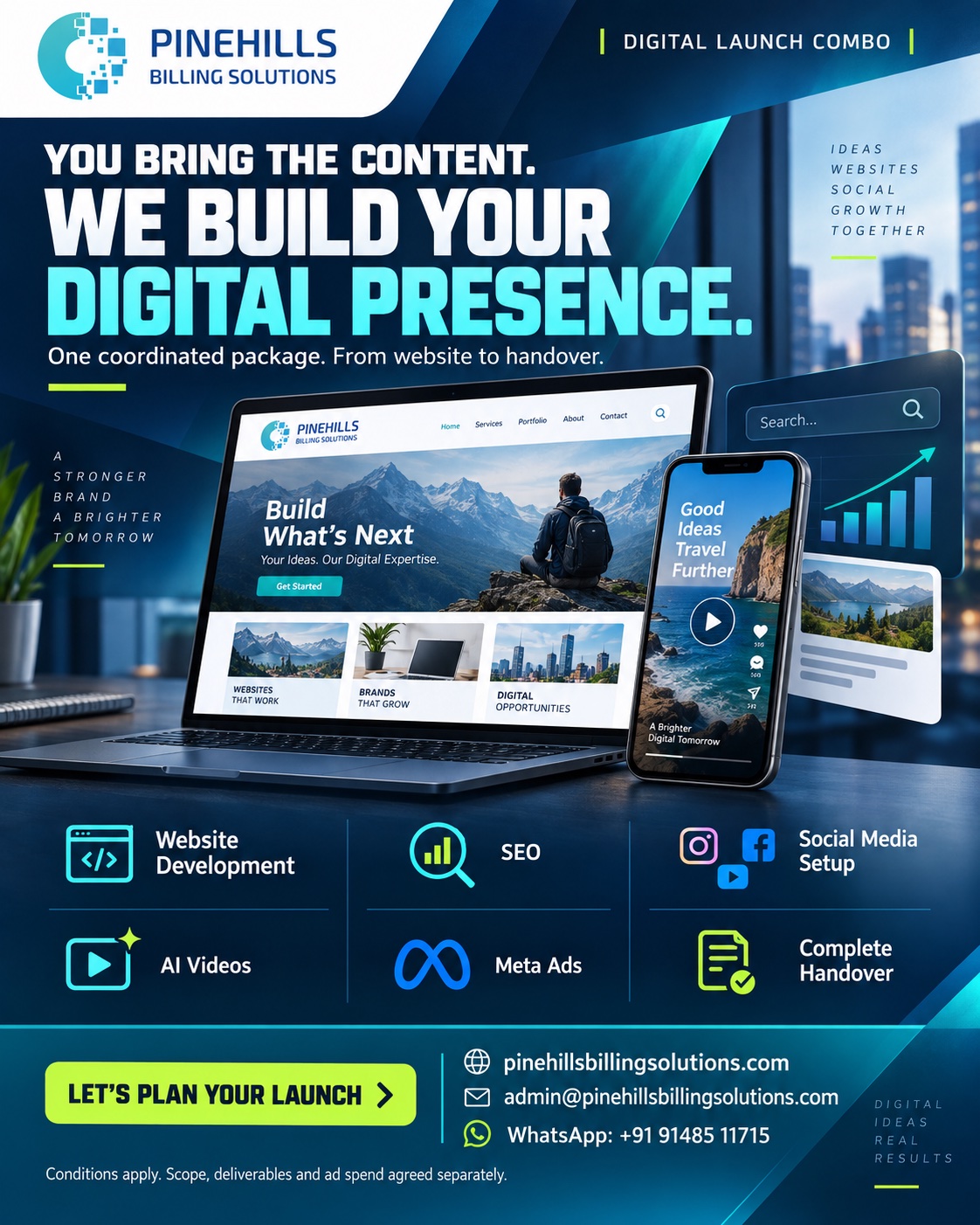
Bring your approved content. We can scope your website, SEO foundations, social media setup, AI videos, Meta ads and handover as one package.
Conditions apply. Scope, deliverables and ad spend are agreed separately. Read the package conditions.
Eight checks before launch
Give every task an owner.
Keep evidence of what is ready.
Tick items as you review them. Selections stay on this page only and reset when you reload. Use your browser’s Print option to save or print a copy.
0 of 8 checks reviewed
Write down who the website is for, the services they need and the action each page should support. Choose the main route: request a quote, book a conversation or send an enquiry. Assign a person to receive and follow up on each lead.
Ready when you have: A short brief naming the audience, service, next action and enquiry owner.
Collect the business name, logo files, service descriptions, approved contact details and original images. Decide which examples and testimonials you have permission to publish. Separate essential launch content from material that can follow later.
Ready when you have: A content folder and page list, with an approver for each item.
Give each important page a clear purpose. Explain who a service helps, what work is included, the deliverable and how to enquire. Link related pages with descriptive text. Add useful answers to questions customers actually ask.
Ready when you have: A page outline connecting the home, service, about and contact pages.
Review page titles, descriptions, one clear main heading per page, image descriptions and the preferred URL for each page. Check that intended public pages are crawlable and eligible for indexing. Connect Search Console and check the sitemap status.
Ready when you have: A URL checklist showing the page purpose, title, preferred URL and indexing checks.
Open the site on a phone and desktop. Test menus, service links, enquiry forms and confirmation messages. Check where submissions arrive and how errors appear. Make links and controls usable by keyboard, and check that text remains readable.
Ready when you have: A test log with the device, action, expected result, actual result and fix owner.
Agree which actions matter before setting up measurement: successful enquiries, booking completions or useful contact clicks. Check analytics configuration and consent requirements for the project. Use campaign tags to distinguish social posts and paid campaigns.
Ready when you have: An event list and test evidence, plus a baseline report to compare after launch.
Use consistent business names, service descriptions and website links on the agreed social profiles. Approve AI-video scripts, visuals and usage rights. For Meta ads, agree the objective, audience, creative, landing page and separate media budget before launch.
Ready when you have: An approved creative folder, profile-link checklist and campaign brief.
Confirm who owns the domain, hosting, website, analytics and social accounts. Document approved access, recurring costs, backups, licences and maintenance responsibilities. Agree how the team will edit content and how post-launch issues will be handled.
Ready when you have: An ownership register, handover walkthrough and list of remaining actions.
For the search checks, see Google’s SEO Starter Guide and guidance on crawlable links. Search indexing and rankings depend on Google’s systems; completing a checklist does not guarantee a ranking.
Copy into your project notes
A brief your team
can work from.
Fill in these six points before requesting a quote. A clear brief makes it easier to compare scope, responsibilities and deliverables.
Discuss your launch- Business and audience
- What do you offer, who should enquire and where do you serve them?
- Pages and features
- Which pages, forms, booking tools, languages or integrations are needed?
- Content and approvals
- What content is ready, what is missing and who approves it?
- Channels and deliverables
- Which social platforms, video formats and ad assets are in scope?
- Budget and timing
- What is the project budget, separate ad spend and preferred launch date?
- Ownership and support
- Who will own the accounts, receive enquiries and maintain the site?
Set expectations early
What needs a separate decision?
A business website or a custom application?
A service website usually explains the business and collects enquiries. Accounts, dashboards, database workflows and custom integrations need a separate technical scope. Explore website design and development or full-stack application development to discuss the right approach.
SEO setup or ongoing SEO?
Launch work can establish page structure, metadata, internal links, indexing checks and measurement. Ongoing SEO needs continued content improvement, performance review and relevant promotion. Agree the deliverables and review period; avoid treating a one-time setup as a promise of lasting rankings.
Ad setup or ongoing campaign management?
Confirm whether the work covers setup, launch, reporting or continued optimisation. Ad spend, third-party tools, hosting, subscriptions, additional revisions and maintenance should be itemised in the agreed quote.
What does PineHills’ bundle cover?
You provide the approved content; PineHills can scope the website, SEO foundations, social profile setup, AI videos, Meta ads and handover as one Digital Launch Combo. Page counts, platforms, video quantities, integrations, revisions and timings are agreed before work begins. Explore the Digital Launch Combo and read the package conditions.
Planning a healthcare website?
Use approved public-facing content and a qualified reviewer for clinical claims. Keep patient records and confidential documents out of a general project enquiry. Any patient-data workflow needs its own access and data-handling scope.
Put the brief into action
You bring the content.
We help build the launch.
Send a general outline of your project. We’ll discuss the deliverables, responsibilities and handover.
Conditions apply · Scope agreed before work starts